Harnie
AI-powered web production for the whole team
AI coding tools are transforming developer workflows, but the rest of the web team is still stuck outside the build. Harnie is a harness that brings designers, producers, marketers, clients and stakeholders into the same AI-powered production flow. It connects coding agents to real Git projects, runs the site in a desktop browser, and lets team members select anything on the page and ask for changes in plain language. Instead of complex CMS layers, Harnie uses agents, skills and guardrails so the whole team can contribute where the work matters: the website.
How Harnie Works
Open your project inside Harnie's built-in browser, select anything on the page, and describe what you want to change. Harnie uses coding agents to help make the update, then turns it into a draft your team can review.
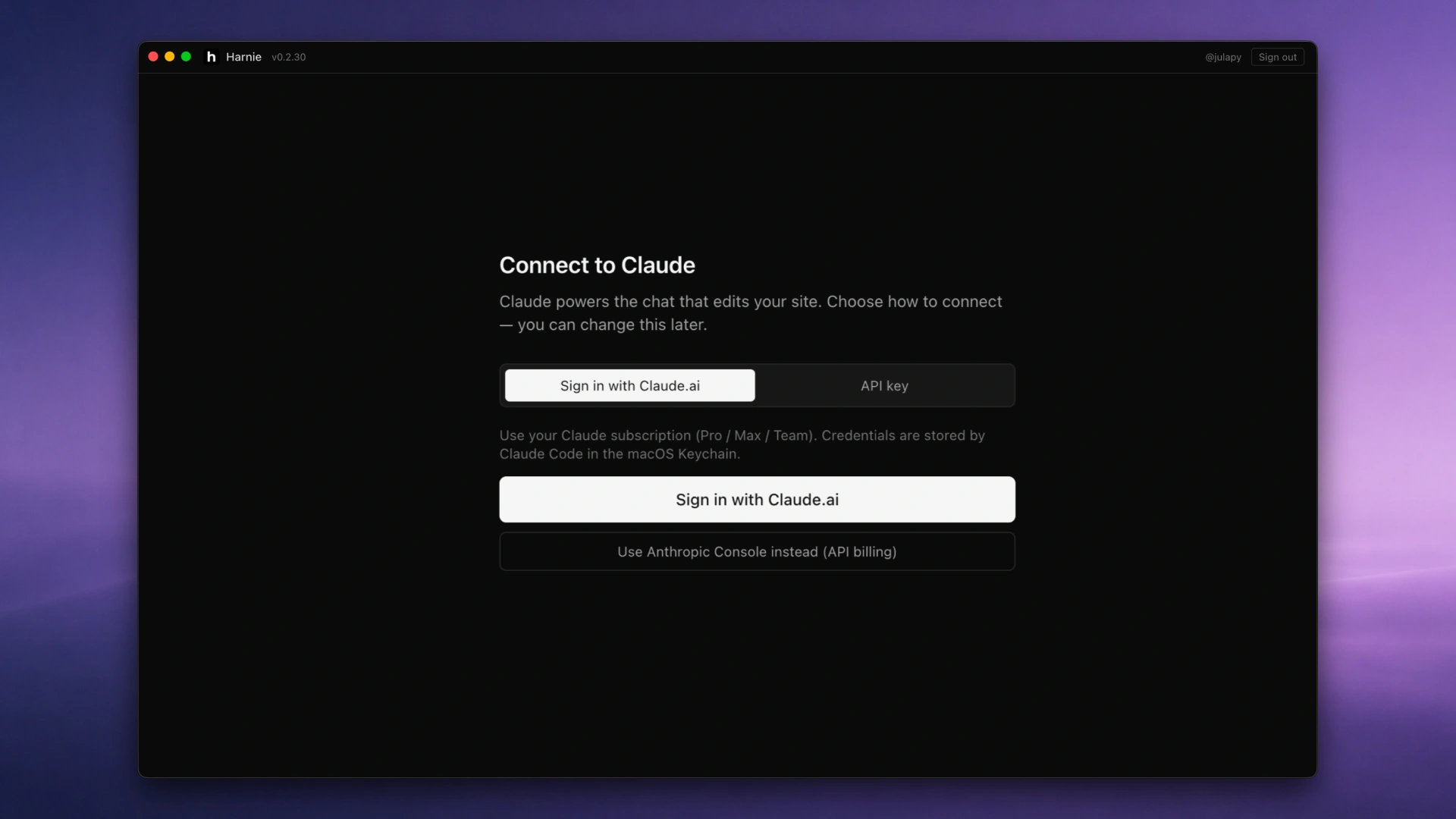
1. Connect your models
Link your Claude account or any major model provider — OpenAI, Gemini, and more. Harnie works with the models your team already uses.
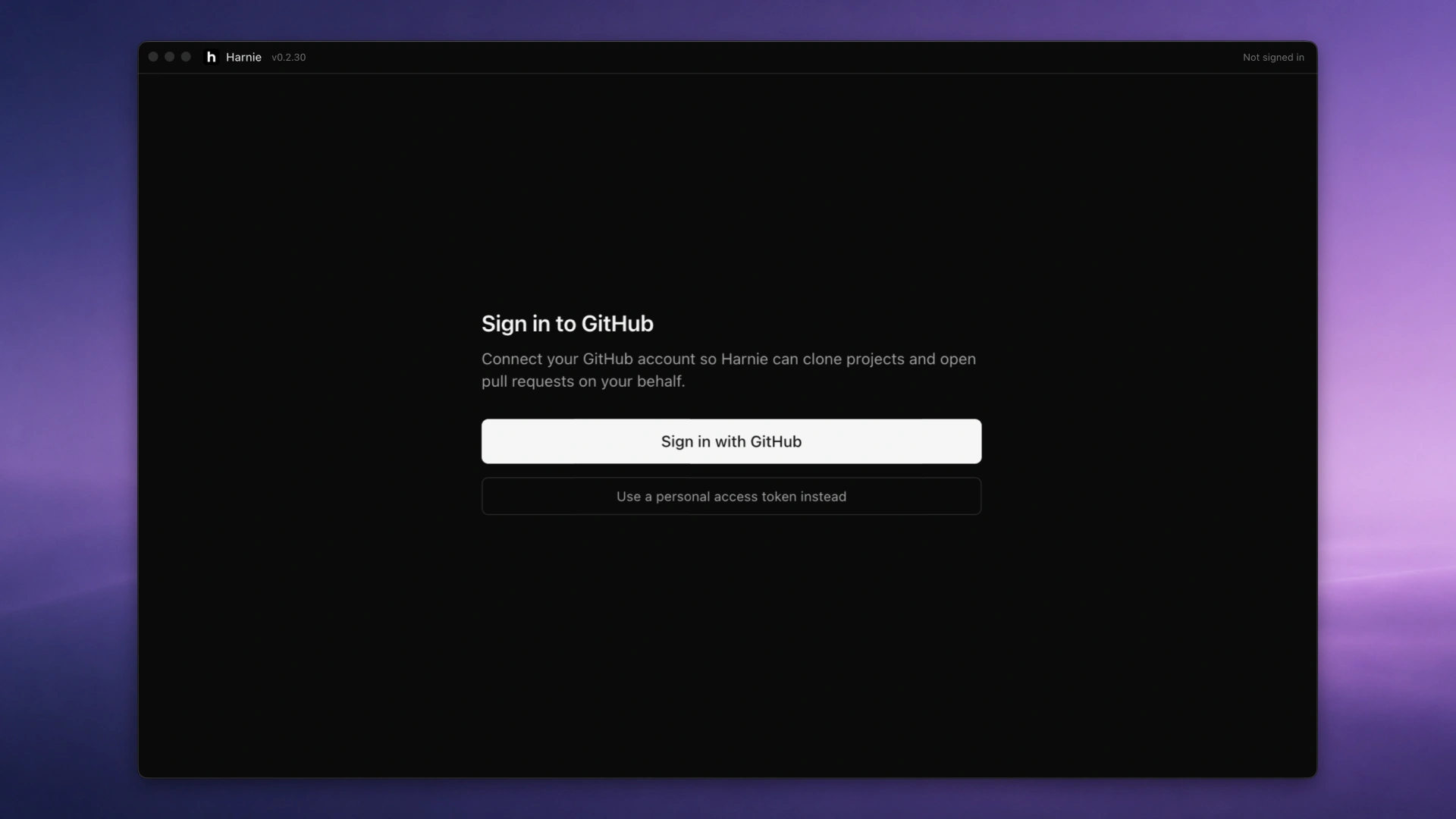
2. Connect your project
Link a repo from GitHub, GitLab, or Bitbucket and Harnie pulls it straight into the workspace — no manual setup, no cloning by hand.
3. Open the website
Run the project in Harnie's built-in browser and see the page as your team will experience it.
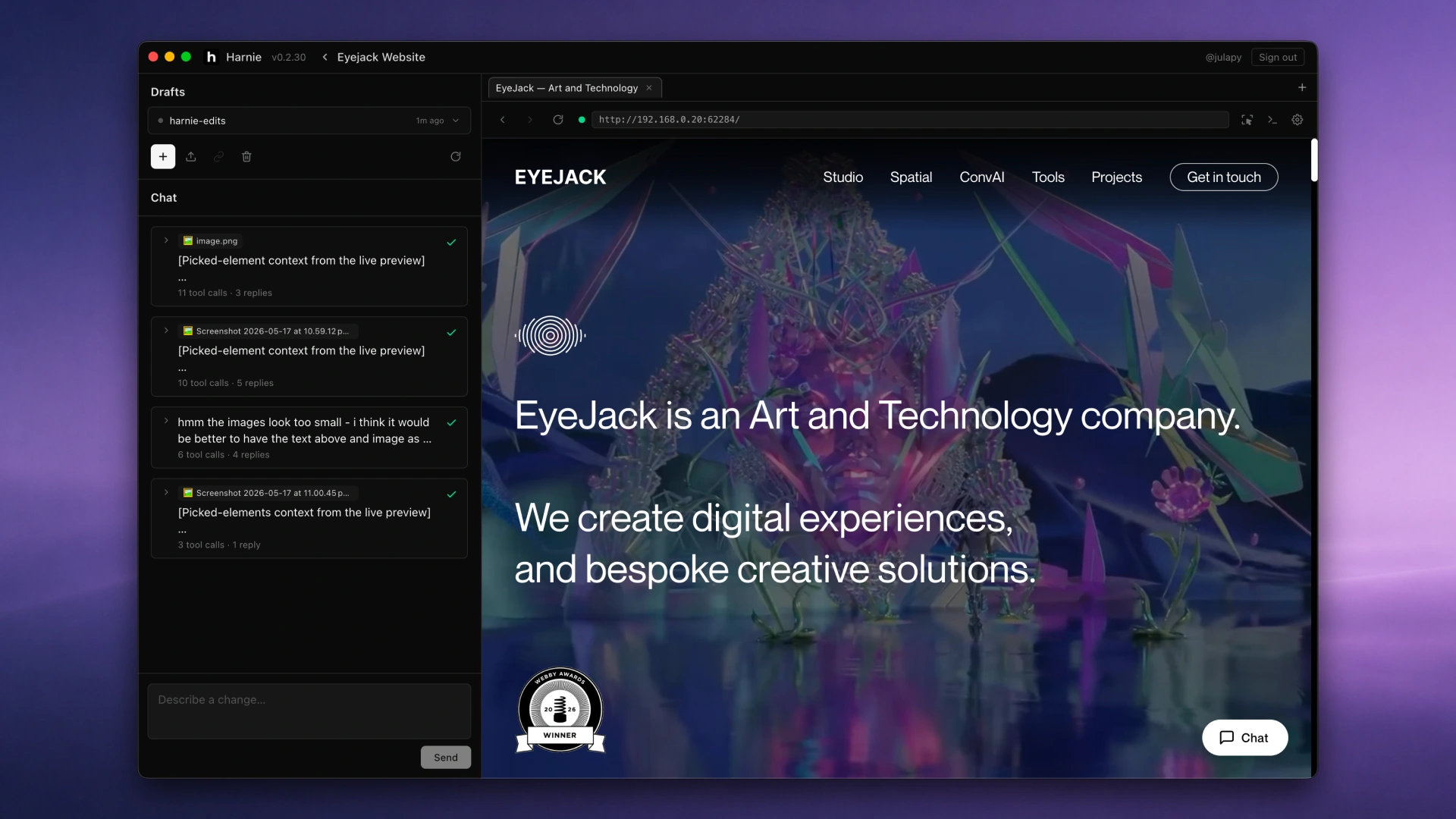
4. Select and ask
Click or highlight the part of the website you want to change, then describe the update in plain language.
5. Review the draft
Harnie prepares the change as a working draft, so your team can check it before anything ships.
The Tool Harness
Harnie does more than connect your team to AI. It wraps essential production tools like Git, FFmpeg and Sharp into simple guided skills inside the app. Your team can prepare assets, update content and create working drafts without installing command-line tools, learning technical settings or relying on developers for every production task. Harnie keeps the tools inside a controlled workflow, making them useful to the wider team without exposing unnecessary complexity.
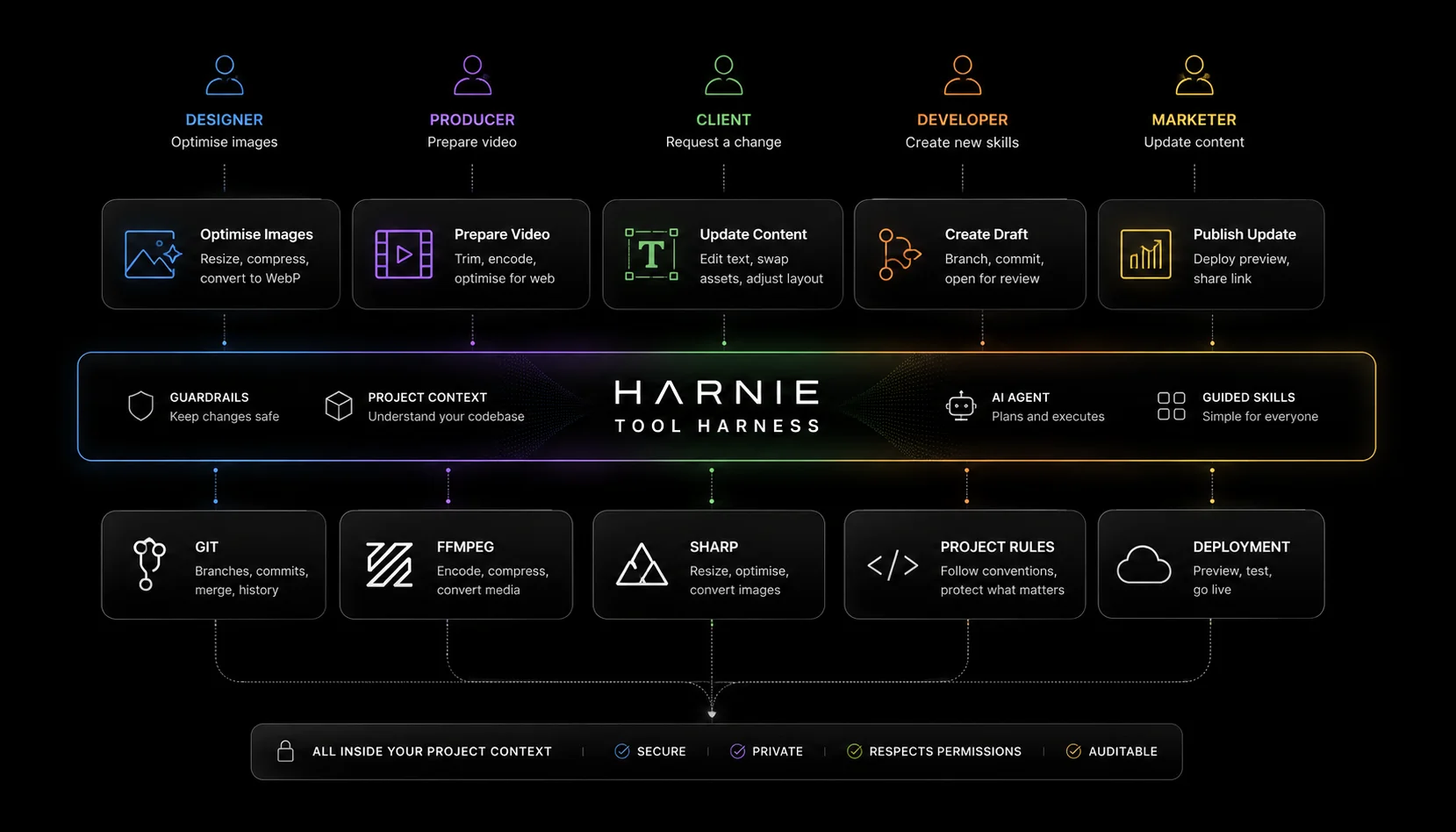
Skip the CMS
Harnie replaces the CMS layer for many web projects. Developers keep content structured inside the project, then use Harnie skills to define how it can be safely edited. The wider team gets guided control over copy, assets and dynamic content, while the site stays static-generated, CDN-hosted, stable and secure. Same editing freedom, fewer moving parts, lower cost and no CMS overhead.
Production Ready
Harnie is not vibe coding. It is built for real web projects with real teams, real codebases and real deployment workflows. Developers start projects as they normally would: choosing the stack, managing the code through Git, and inviting the right people to contribute. Harnie then gives the wider team a simple way to make guided changes directly on the website and submit working drafts for review. Developers still validate the work, manage releases, and decide what ships - opening up contribution without removing control.
Why We Built It

Lukasz KarlukFounder, CTO - Harnie, EyeJackWe built Harnie because we kept running into the same wall on every project. The developer would finish the build, hand it over, and then spend the next two weeks fielding small change requests that should have taken minutes each. The work was never the problem - the gap between the people who had ideas and the people who could act on them was the problem.
Harnie is what we use to close that gap on our own projects. The fact that it works on any modern web stack, with any team, is what made us want to share it.